
CueID
Mac · iPhone · iPad
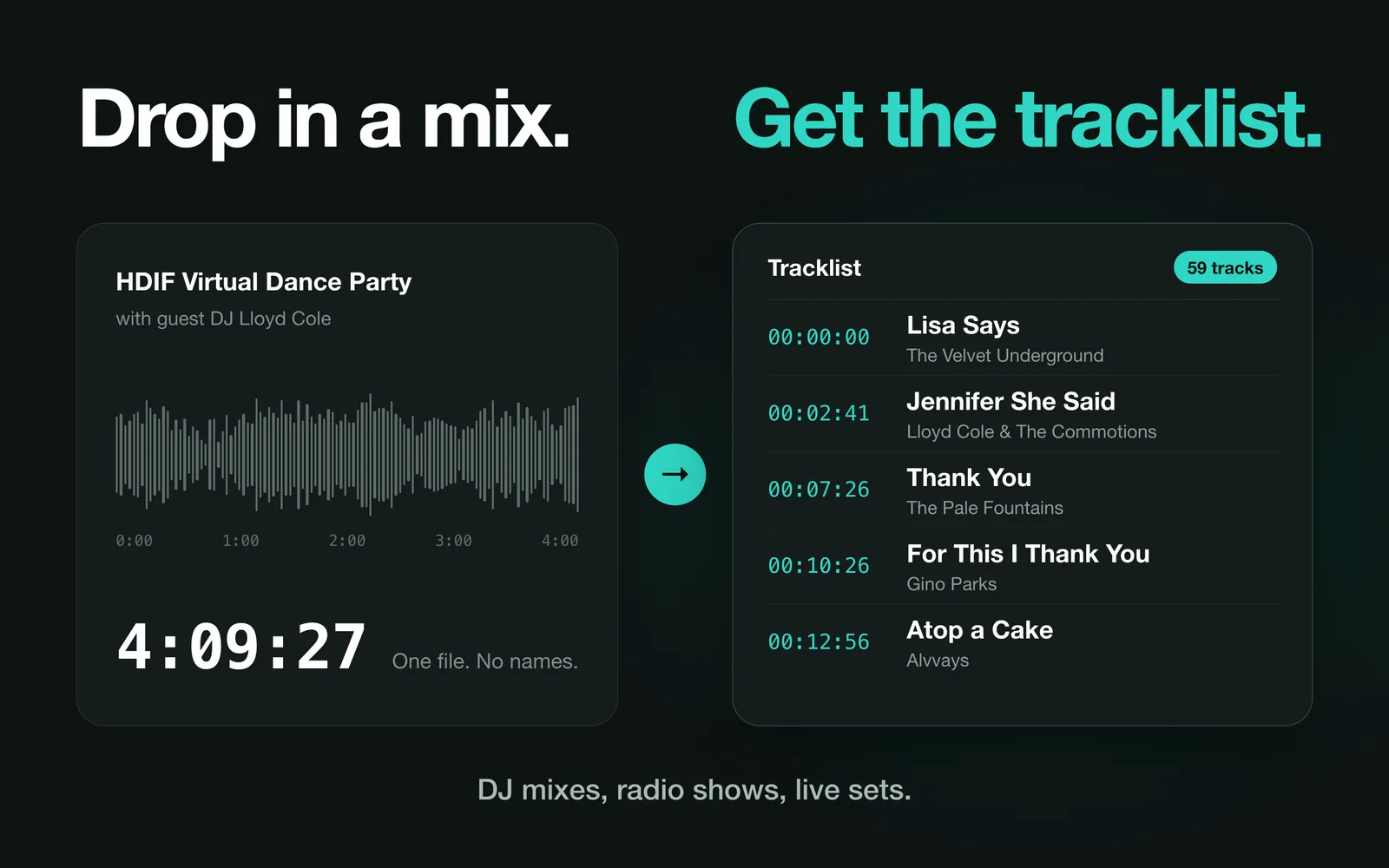
Drop in a mix.
Get the tracklist.
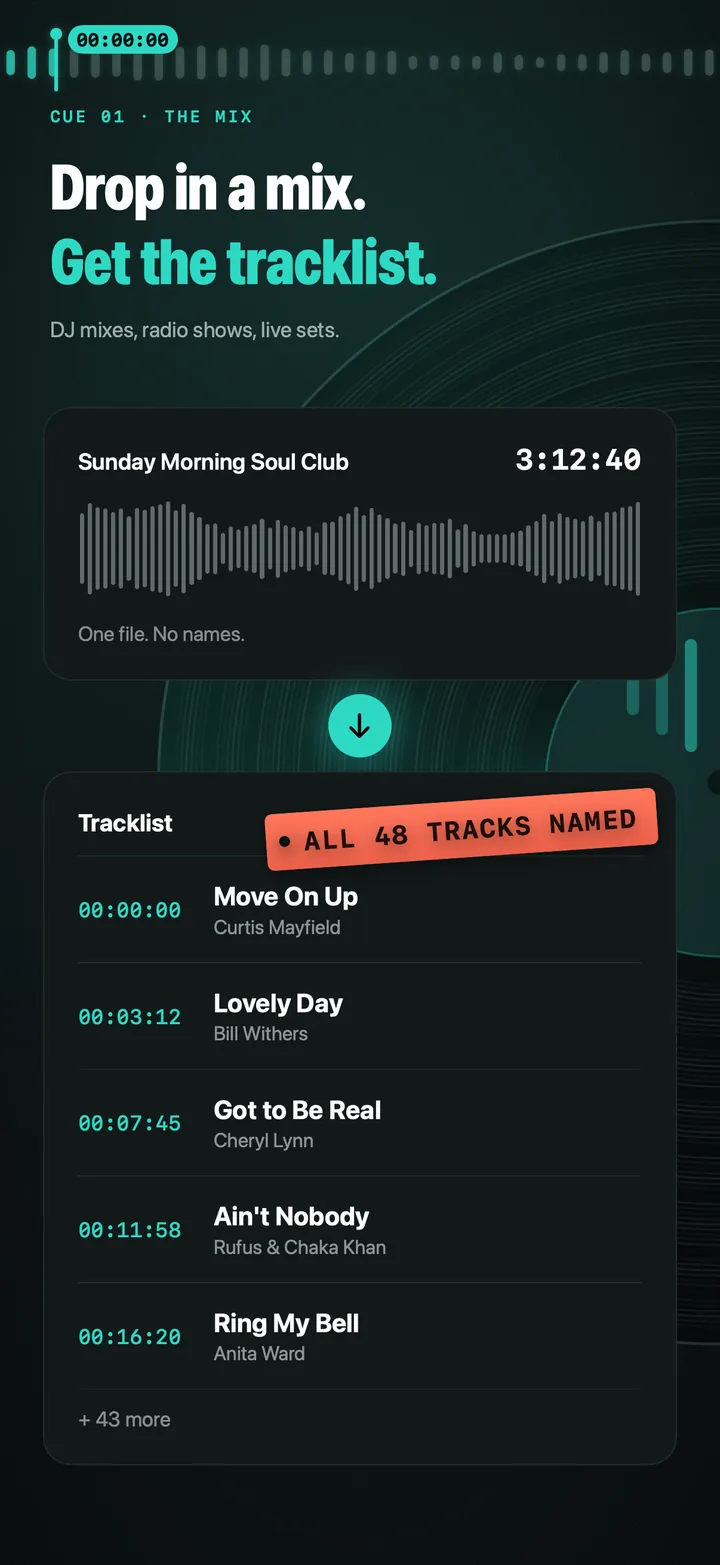
CueID identifies the songs inside long recordings — DJ mixes, radio shows, podcasts and live sets — and turns them into a timestamped tracklist you can edit, export and keep. For Mac, iPhone and iPad.
First scan free · one-time unlock
- Powered by Shazam
- Audio never uploaded
- No subscription
What it does
Three ways in
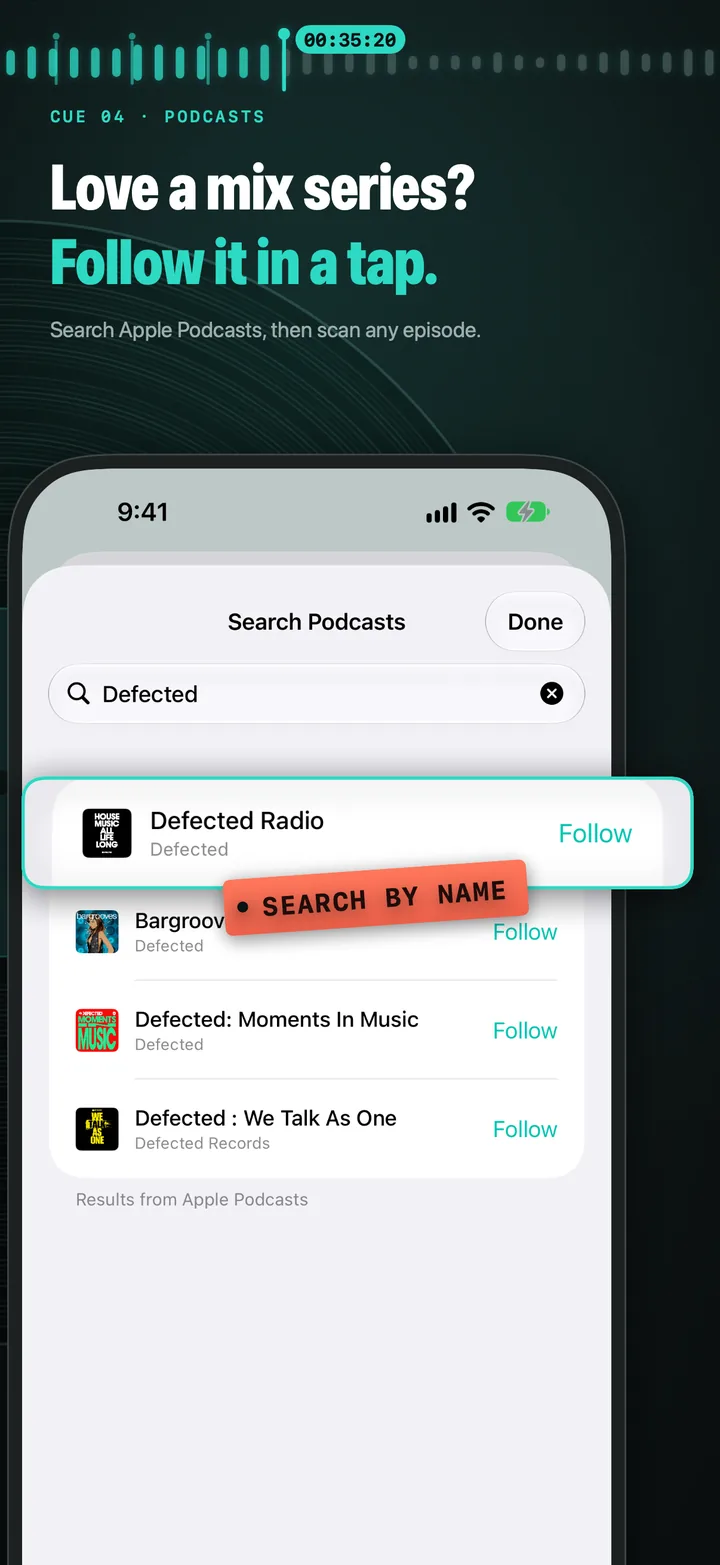
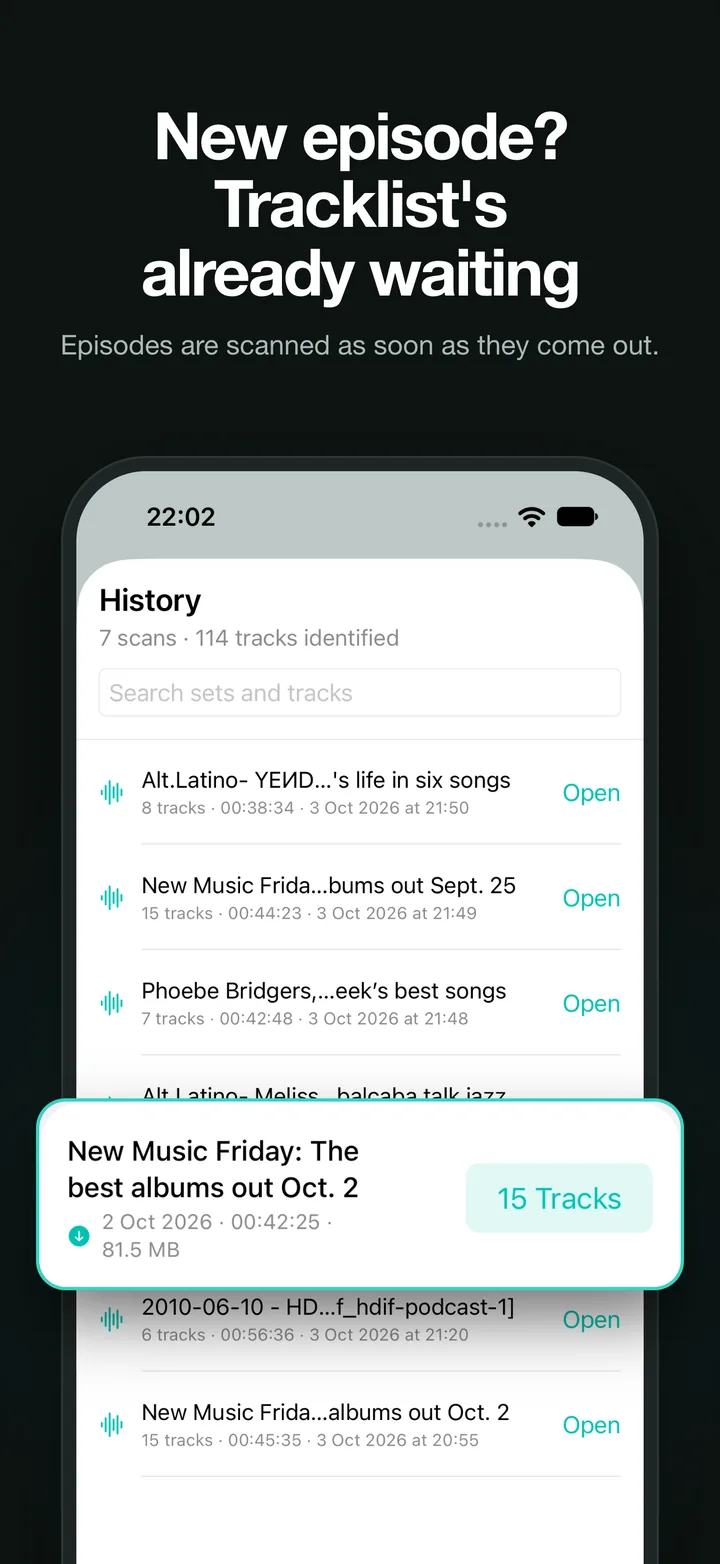
Drop in recordings or a whole folder, paste a Dropbox or Google Drive link, or search Apple Podcasts and follow a mix series to scan new episodes with a tap.
Timestamps that land on the drop
CueID can narrow each start time down to the transition, so your tracklist marks where a track actually comes in.
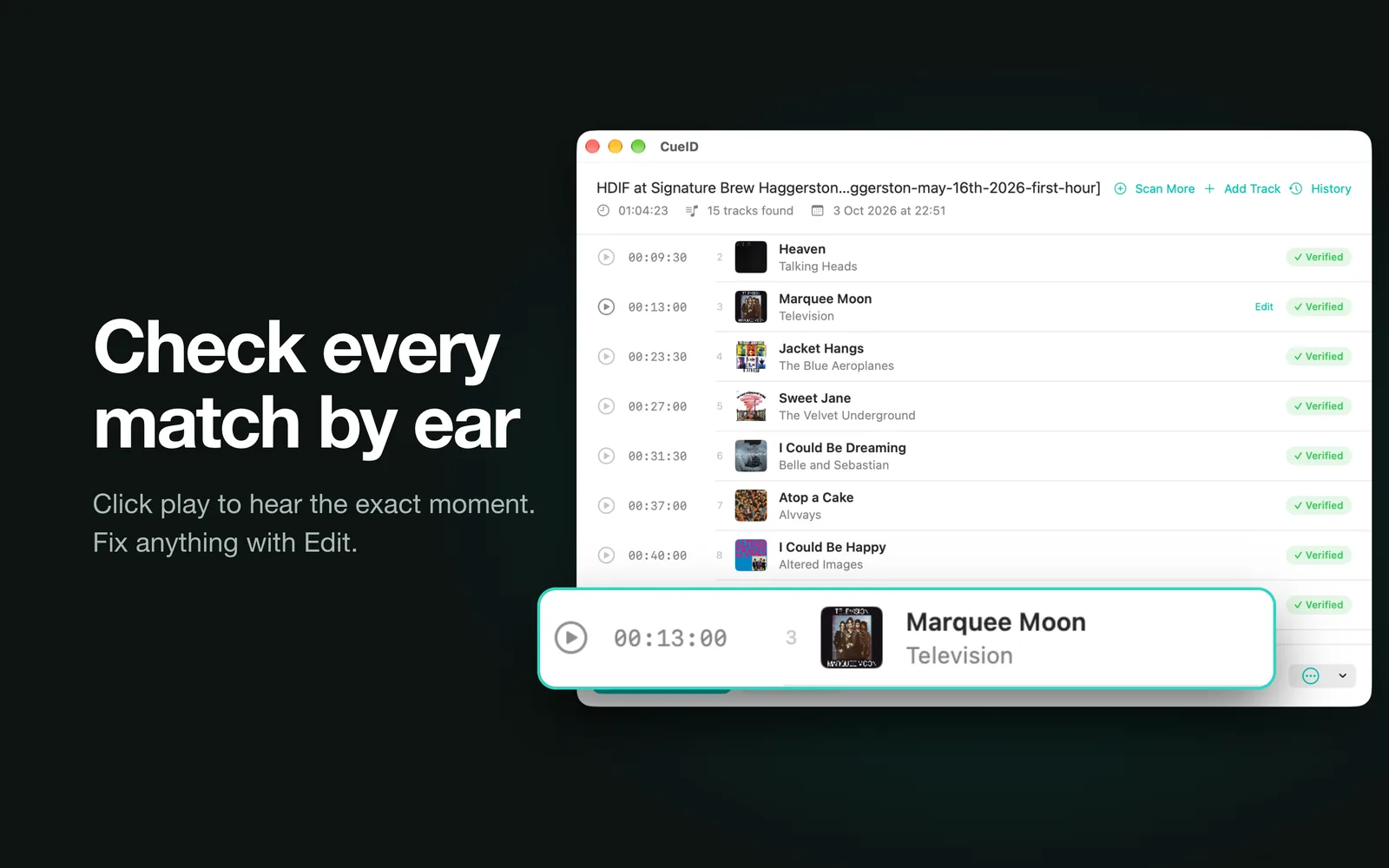
Check it by ear
Play any section without leaving the app. Correct a match, name a section Shazam couldn’t place, or add a track by hand.
Export anywhere
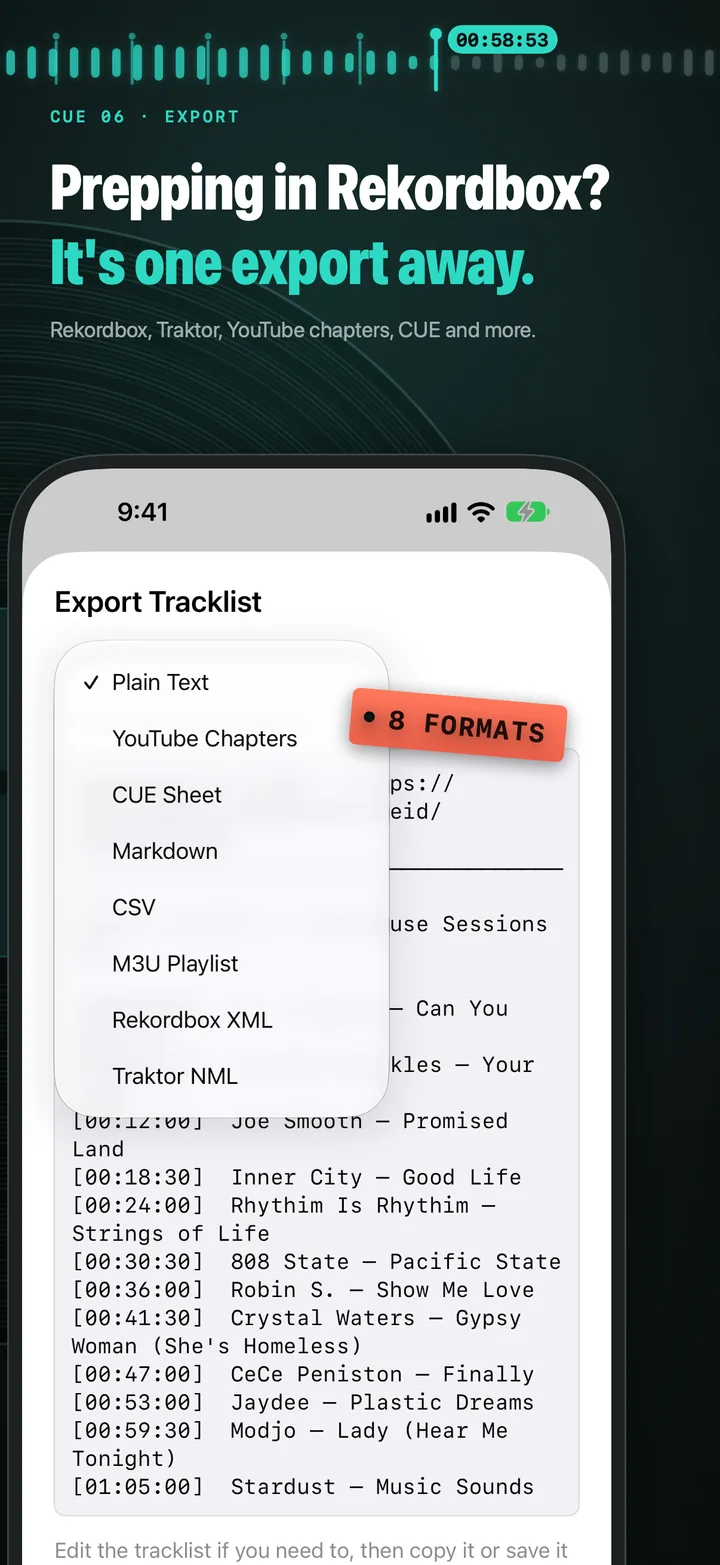
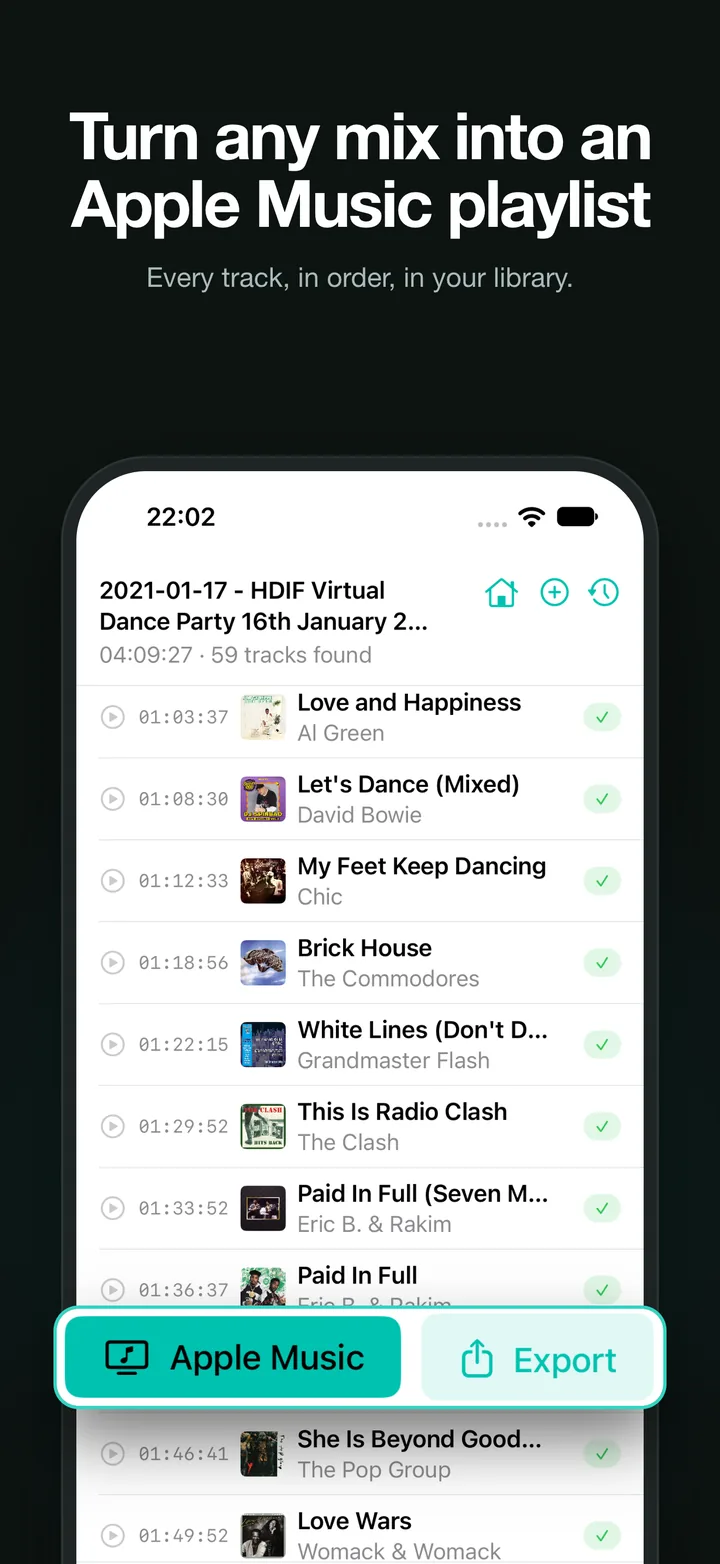
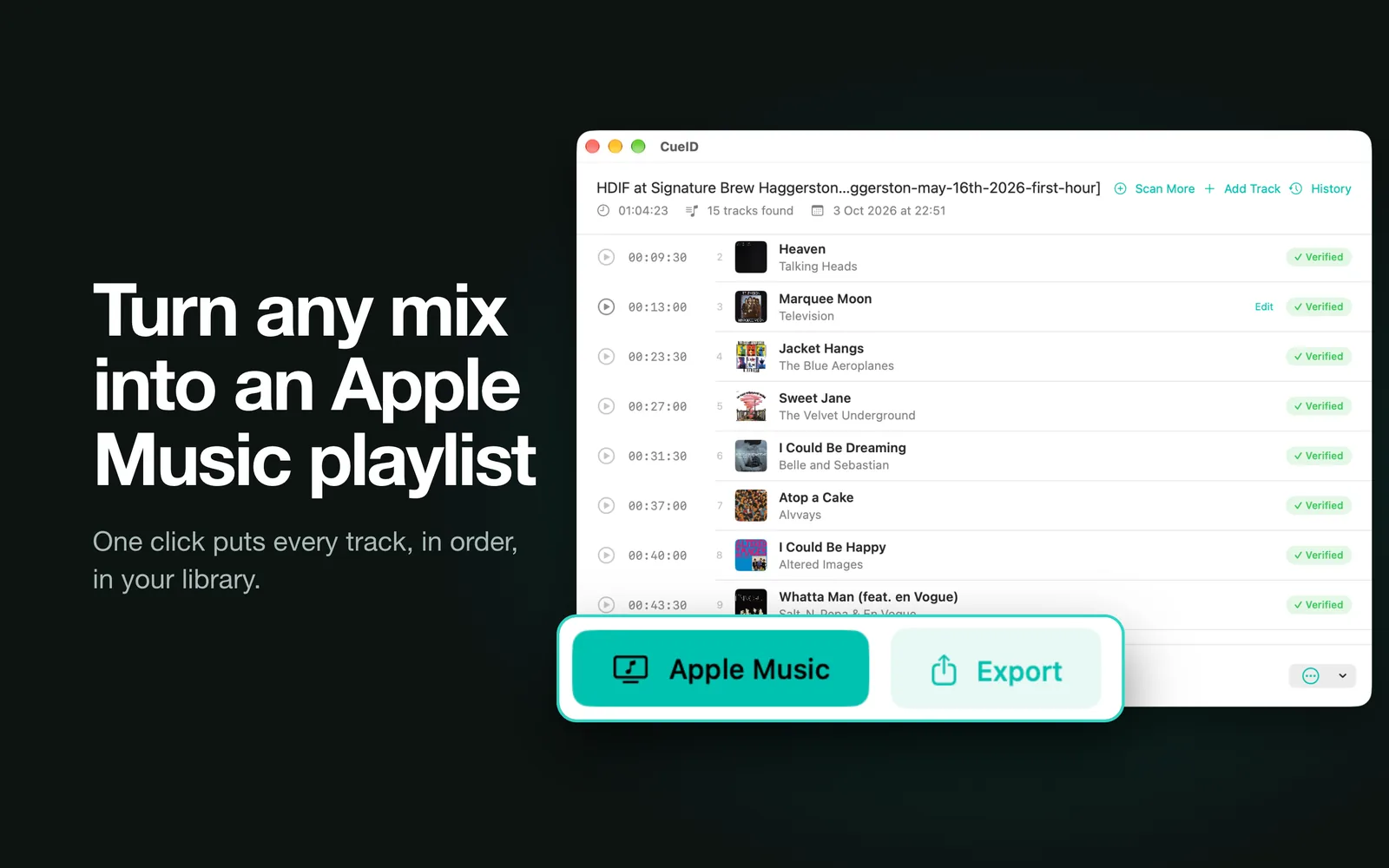
Plain text, YouTube chapters, CUE sheet, Markdown, CSV, M3U, Rekordbox XML or Traktor NML — or build an Apple Music playlist from everything found.
BPM, key and splitting
See tempo and musical key for each track, handy for planning your own sets, and split a recording into one file per track.
Set it running
Queue as many recordings as you like and get a notification as each finishes. On Mac, watch a folder and scan new recordings automatically.
On your Mac, too
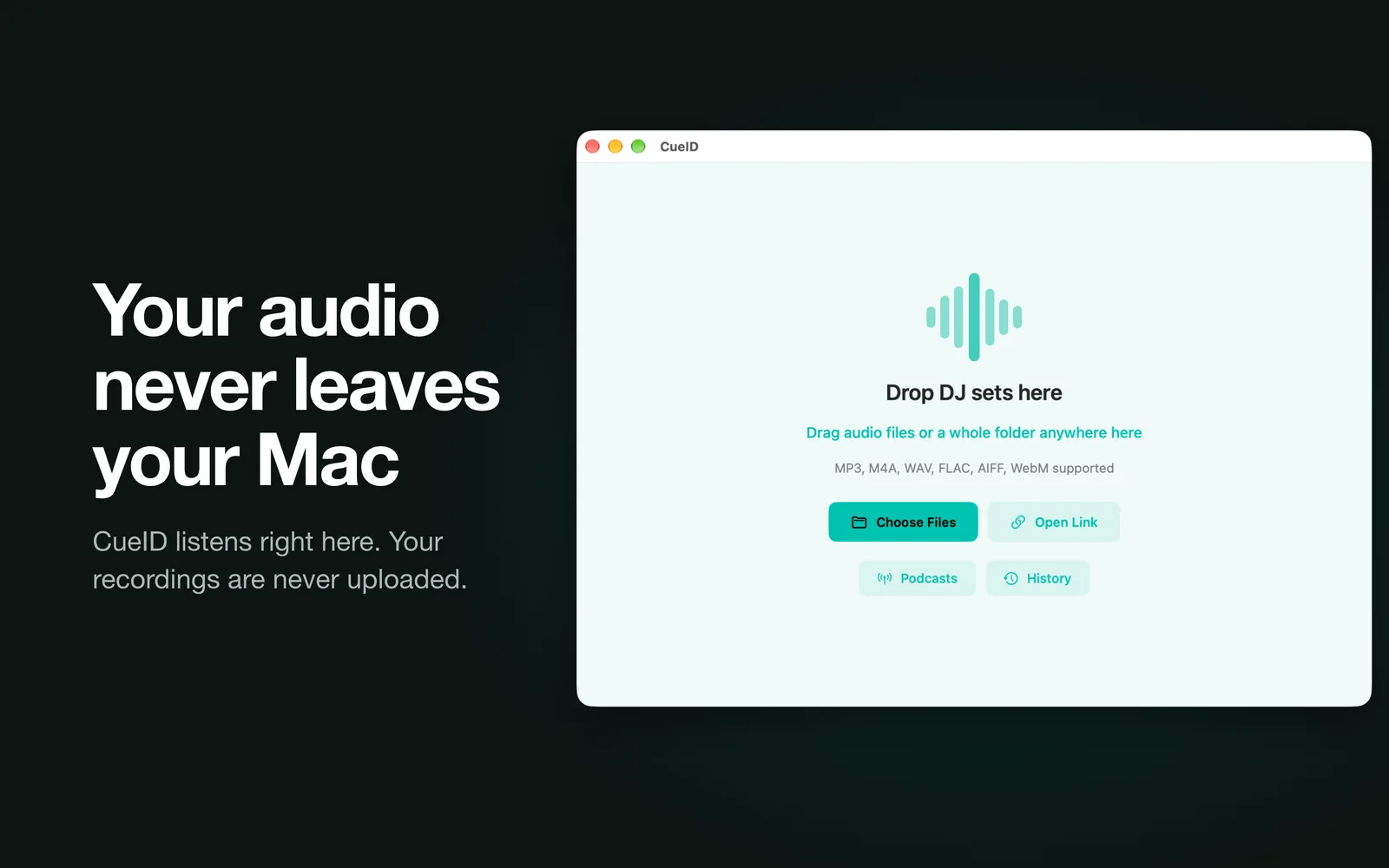
Free to try. Pay once.
Free
- Your first scan, whatever its length
- Podcasts, links, editing and history
- Every export format and Apple Music playlists
One-time unlock
- Unlimited scans
- Queue several recordings at once
- Mac, iPhone and iPad with one purchase
A single in-app purchase. No subscription, and existing owners can restore it on any device.
Download on the App StoreWhat it can’t do
Shazam only recognises music in its catalogue. Unreleased edits, white labels and bootlegs usually won’t match, and heavily mixed passages can be missed — CueID marks those sections rather than guessing, so you can retry, listen or name them yourself. It works with audio files, cloud share links and podcast feeds; it doesn’t download from YouTube, SoundCloud or Mixcloud.
Questions
Something else? See support or read the privacy policy.
Is CueID a subscription?
No. CueID is free to download and your first scan is free. A one-time purchase unlocks unlimited scans on Mac, iPhone and iPad.
I bought it on Mac. Do I pay again on iPhone?
No — open CueID on your iPhone or iPad and use Restore Purchase on the unlock screen, signed in with the same Apple Account.
Which audio formats work?
MP3, M4A, WAV, FLAC and AIFF on every device, plus WebM on Mac.
Can I paste a YouTube, SoundCloud or Mixcloud link?
No. Links need to point to a downloadable audio file, such as a Dropbox or Google Drive share link. Podcast feeds work too.
Why are some sections marked as unidentified?
Shazam didn’t find a confident match — common with unreleased tracks, bootlegs and dense transitions. Tap the section to retry it, listen to it, or type in the track yourself.
Is my audio uploaded anywhere?
No. CueID analyses audio on your device and sends only a short acoustic fingerprint to Shazam for matching. See the privacy policy for details.
Guides & notes
- How to get a tracklist for a DJ mix, with timestamps Found a mix you love but there’s no tracklist? Here’s how to identify every song in a long recording and get the start time for each one.
- Export a mix tracklist to Rekordbox, Traktor, YouTube chapters or a CUE sheet Which export format to pick for a DJ mix tracklist, and what each one is good for — from YouTube chapters to Rekordbox XML.